

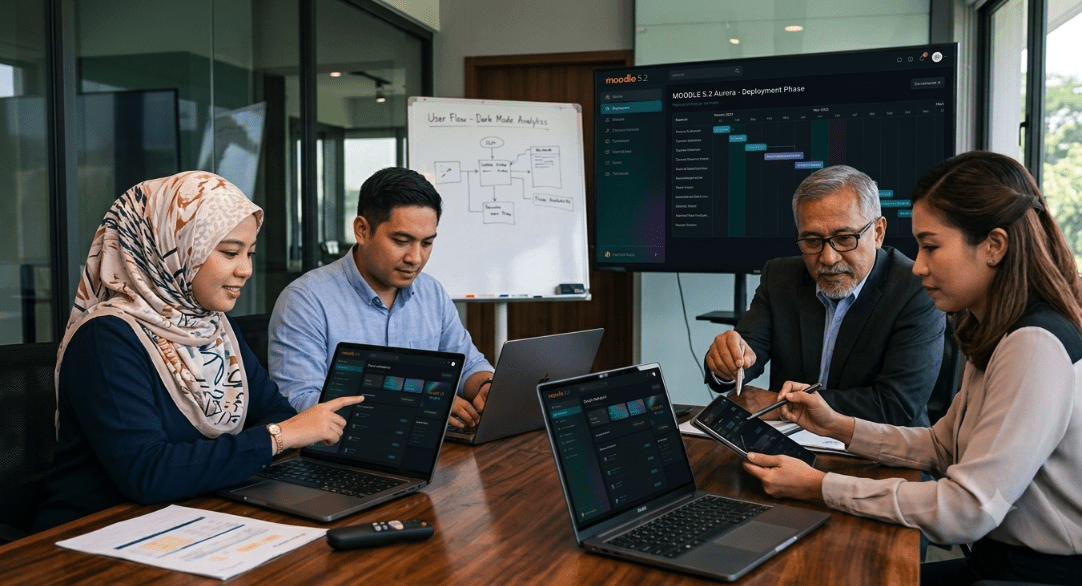
Discover how Aurora transforms Moodle 5.2 with modern design, dark mode support, and an improved user experience.
Many Moodle sites still rely on interfaces that can feel dated, cluttered, or overwhelming for users. As online learning continues to evolve, institutions are placing greater emphasis on improving usability, accessibility, and learner engagement. In response, modern Moodle themes increasingly prioritise intuitive interfaces and consistent visual designs to create more effective learning experiences.
The Aurora Theme for Moodle 5.2 was designed with this goal in mind. Built as a Boost-based theme, Aurora transforms the traditional Moodle interface into a modern, dark-mode experience that prioritises clarity, comfort, and usability for both learners and educators.
Why Choose the Aurora Theme for Moodle?
Aurora reimagines the Moodle user experience through a clean, contemporary design inspired by modern command-centre interfaces. Instead of bright, crowded layouts, Aurora introduces:
- Deep dark backgrounds that reduce eye strain during long study sessions
- Soft, subtle borders that create visual structure without distraction
- Clean and compact layouts that improve readability
- Gentle accent colours that guide attention naturally
- Clear typography that makes content easier to consume
These design choices help users focus on what matters most: learning.
Key Features of the Aurora Theme
Beyond its modern appearance, Aurora also introduces several practical improvements for learners, educators, and administrators.
Dark-First Design
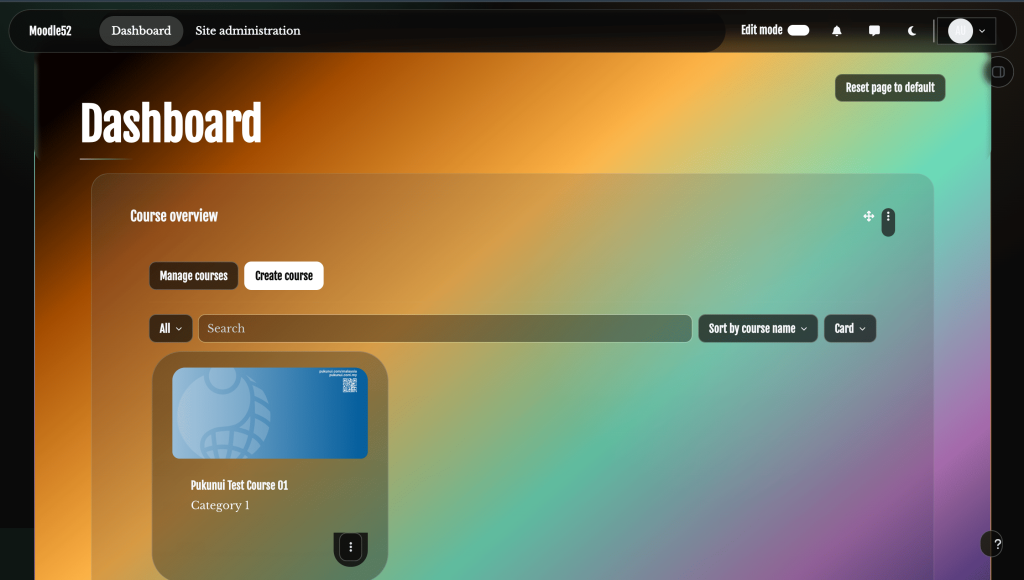
Aurora is built primarily for dark mode, creating a more comfortable viewing experience for users who spend extended periods working within Moodle.
Cleaner Course Pages
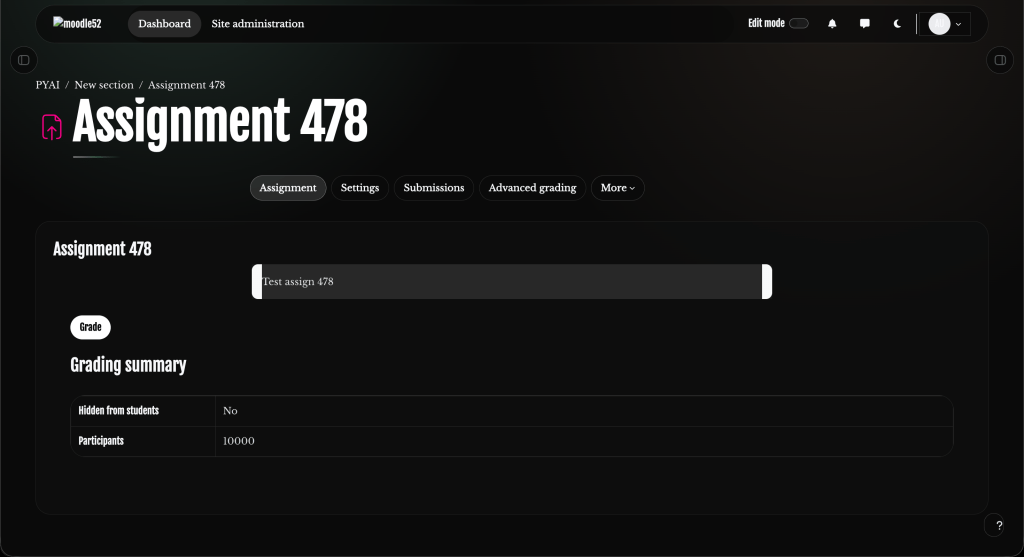
A cleaner course layout helps learners locate resources more quickly, reducing distractions and making navigation throughout a course more intuitive.
Responsive Across All Devices
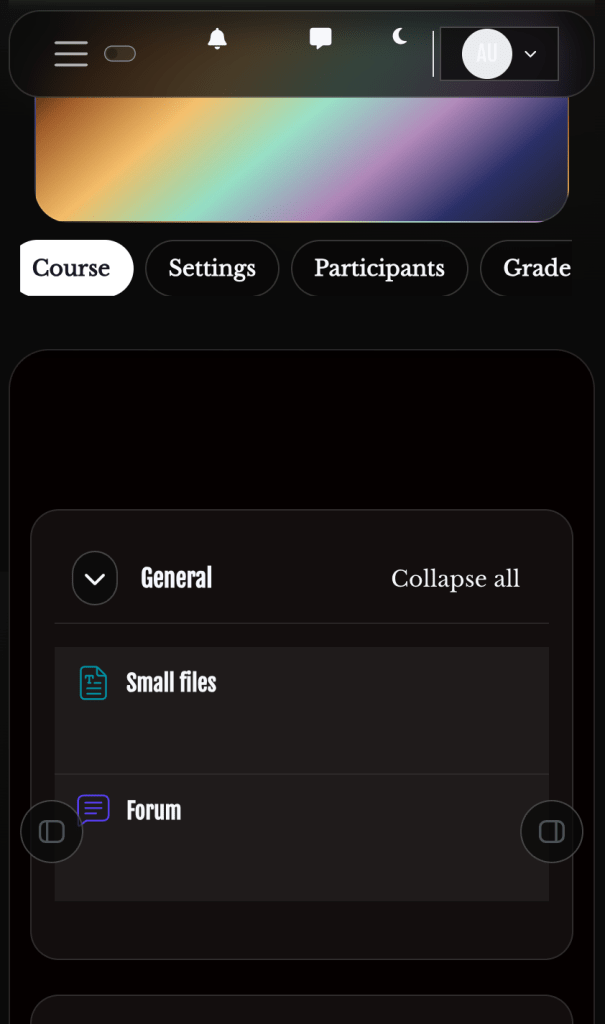
Whether learners access Moodle from a laptop during class, a tablet at home, or a mobile phone while travelling, Aurora automatically adapts its layout to deliver a consistent and user-friendly experience. As learners increasingly access courses across multiple devices, providing a seamless and responsive mobile learning experience has become essential for ensuring accessibility, usability, and continuous engagement.
Flexible Branding and Customisation
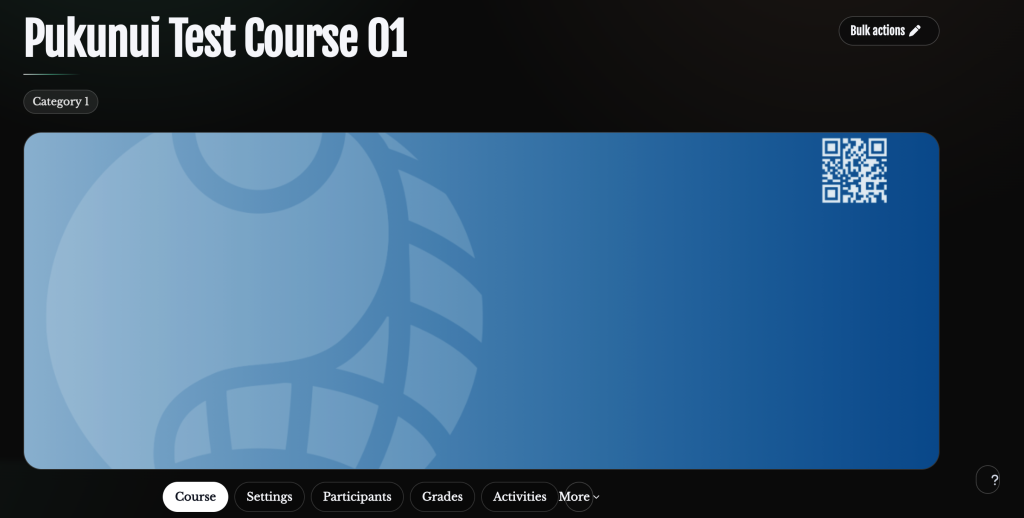
Schools, universities, corporate training providers, and organisations can customise colours, logos, layouts, and visual elements to match their own branding and identity. This level of Moodle customisation enables institutions to create learning environments that align with their unique requirements and branding.
Light and Dark Mode Switching
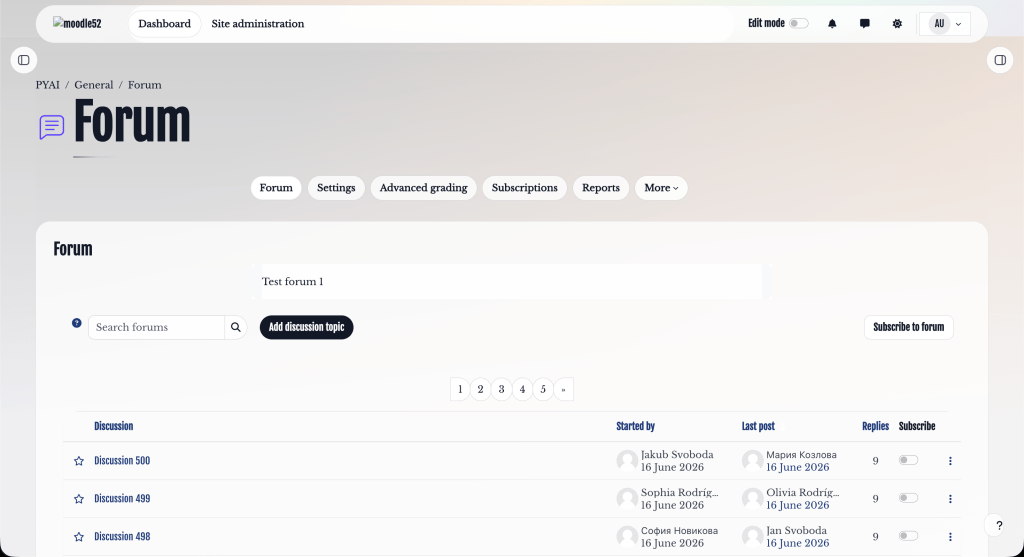
Users can easily switch between light and dark mode based on their personal preferences, providing greater flexibility and accessibility.
Enhanced Front Page and Course Visuals
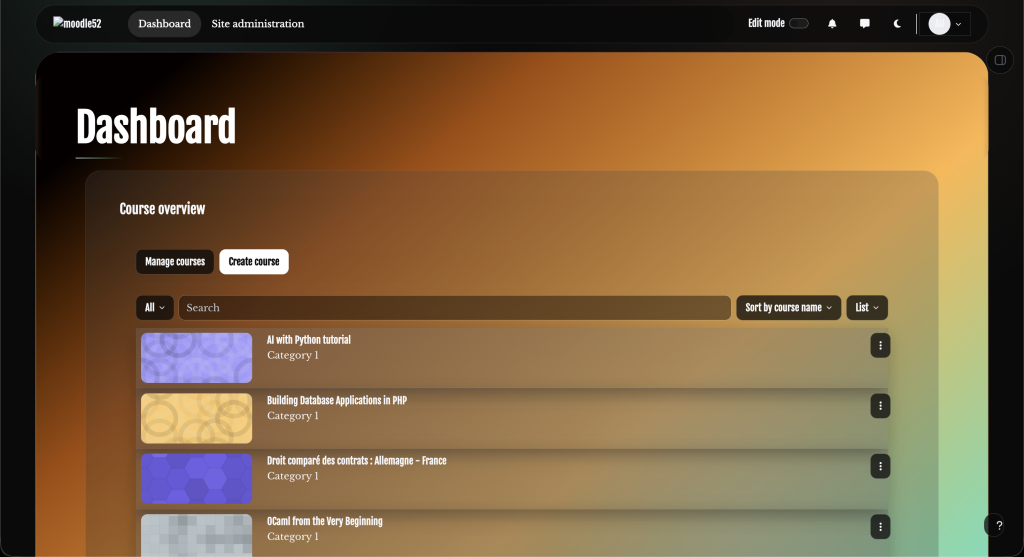
First impressions matter. Aurora supports large banner images on the Moodle front page, helping institutions create a more engaging and professional learning environment.
Courses can also feature wide header images that improve visual organisation and make course pages easier to identify. When no course image is available, Aurora automatically applies a clean gradient background to maintain a consistent appearance across the platform.
Getting Started with the Aurora Theme
Installing Aurora is straightforward:
- Add the Aurora theme to your Moodle installation
- Enable the theme through Moodle’s theme settings
- Clear Moodle caches and select Aurora as your active site theme
This allows organisations to quickly modernise their Moodle interface without changing the underlying functionality that users already know and trust.
A Better Moodle Experience
Whether you’re refreshing an existing Moodle site or planning a new deployment, the Aurora Theme for Moodle 5.2 offers a modern, user-friendly interface that enhances the overall learning experience while preserving Moodle’s powerful functionality. For organisations already considering a Moodle 5 upgrade, Aurora offers a sleek, contemporary design that improves usability without compromising the features and flexibility that Moodle is known for.
From schools and universities to corporate training environments, Aurora provides a cleaner, more focused, and more engaging way to experience online learning.
Interested in giving your Moodle site a fresh new look? Contact Pukunui Malaysia to learn how the Aurora Theme can be implemented and customised for your organisation.
Pukunui Malaysia
📧 hello.my@pukunui.com
