

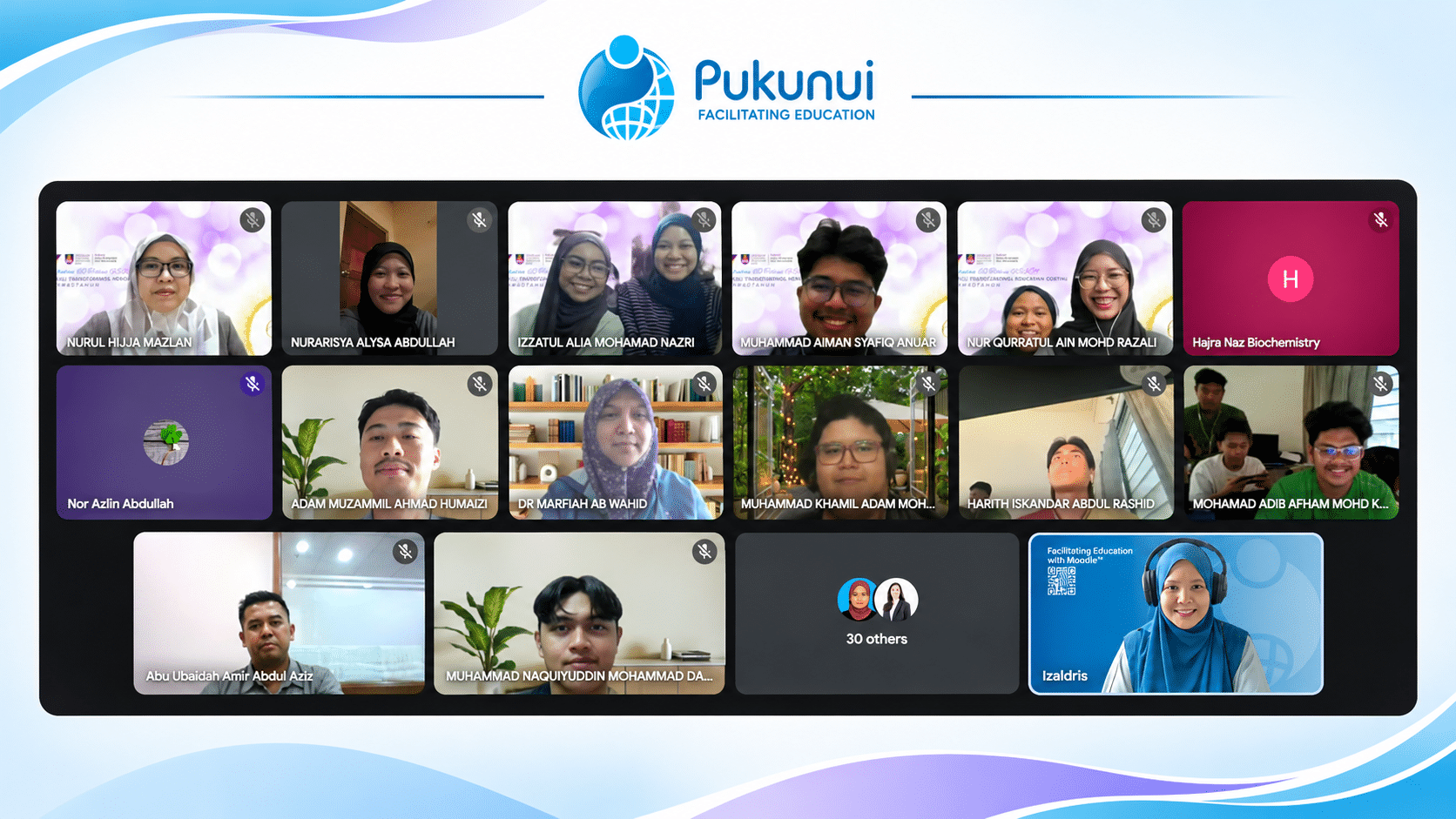
Post-Webinar Insights from #LearnWithPukunui: A Lecturer-Student Journey Through Shared Perspectives and Real-World Experiences in Learning Experience Design.
How do we turn learning theories into meaningful digital learning experiences? And what happens when students are challenged to apply those theories while developing real educational products?
These questions were at the heart of Pukunui’s sixth #LearnWithPukunui webinar for 2026, “Bridging Theory and Practice: A Lecturer–Student Journey in Learning Experience Design.”
Featuring Dr Nurul Hijja Mazlan, Senior Lecturer at the Faculty of Computer and Mathematical Sciences, Universiti Teknologi MARA (UiTM) Shah Alam, alongside three student project teams, the session explored how learning theories, instructional design and technology come together in the development of educational applications.
Rather than focusing solely on the technical aspects of development, the webinar offered a valuable perspective on why understanding how people learn is just as important as knowing how to build the technology.
Why Learning Theories Matter in Technology Development
Dr Nurul began by explaining the importance of introducing learning theories to multimedia computing students.
While computer science students are trained to develop technology and build applications, they may not necessarily have a strong foundation in educational theories or instructional design. This creates an important gap when they are tasked with developing applications intended to support learning.
Knowing how to build an application is not enough. Developers also need to understand how learners process information, acquire knowledge and interact with learning materials.
As Dr Nurul highlighted, evaluating a learning application should go beyond its interface and usability. The more important question is whether the application actually supports learning.
Does it help learners understand a concept? Does it improve their performance? Does it support knowledge acquisition and retention?
These considerations are essential when developing technology for education.
Understanding the Connection Between Technology, Pedagogy and Content
One of the key concepts introduced during the presentation was the Technological Pedagogical Content Knowledge (TPACK) framework.
TPACK highlights the relationship between three essential areas:
- Technology Knowledge (TK): Understanding the technological tools and platforms used to deliver learning.
- Content Knowledge (CK): Understanding the subject matter or information being taught.
- Pedagogical Knowledge (PK): Understanding how to teach and facilitate learning effectively.
These areas should not be considered independently. Effective learning experiences require an understanding of how technology, content and pedagogy work together.
For example, a developer may have the technical knowledge to create a website or interactive application. However, without understanding the subject matter and how learners are expected to engage with the content, the final product may not achieve its intended learning outcomes.
Dr Nurul also discussed how different learning theories can influence the design of digital learning applications, including behaviourism, cognitivism, constructivism and connectivism.
Each theory offers a different perspective on learning and can guide decisions about the type of interaction, learning environment and digital application to develop.
This provided the foundation for the student project presentations that followed.
From Learning Theories to Real Projects: Three Student Demonstrations
The most engaging part of the session came when three student teams shared their projects, demonstrating how they translated learning theories into practical educational applications.
Each team approached a different learning challenge and selected technologies and design approaches suited to its intended learners.
1. Making Human Anatomy More Interactive
Presented by: Nor Qurratul Ain Mohd Razali and team
The first team introduced an interactive learning platform designed to help students understand human anatomy.
The team recognised that anatomy involves many abstract concepts. Reading textbooks alone may not be sufficient for learners to visualise different body parts, understand their functions and see how body systems work together.
To address this challenge, the team developed a platform that incorporates several multimedia learning features:
- Interactive anatomy hotspots that allow learners to explore different parts of the human body.
- Study notes, educational videos and images to present information in different formats.
- Interactive flashcards to reinforce memory and support revision.
- Quizzes with immediate feedback to help learners identify misconceptions.
- Educational games to encourage repeated practice and improve knowledge retention.
The team applied cognitivism and connectivism as the learning foundations for the platform. These approaches encouraged learners to organise information, connect new knowledge with what they already know and strengthen their understanding through practice and feedback.
For the development process, the team adopted the ADDIE instructional design model: Analysis, Design, Development, Implementation and Evaluation.
The team also shared its evaluation findings, explaining that the platform had been tested with users and that the interactive features received positive responses.
The demonstration showed how multimedia elements can support the understanding of complex subject matter when they are designed around clear learning objectives.
2. Learning Flood Awareness Through Minecraft Education
Presented by: Muhammad Aiman Syafiq Anuar and team
The second team took a different approach by using Minecraft Education to develop a flood awareness simulation.
Inspired by the reality of flooding in Malaysia and the challenges people may face when responding to a flood, the team wanted to create an experience that would help learners understand what to do during an emergency.
Instead of simply presenting information about flood safety, the team placed learners in a simulated environment where they had to make decisions and respond to a developing situation.
The Minecraft world included a residential area, a school, evacuation routes and a designated evacuation centre.
During the demonstration, players were guided through a scenario in which they had to:
- Identify and collect important belongings and documents before leaving home.
- Follow instructions and prepare for evacuation.
- Choose an appropriate route to the evacuation centre.
- Avoid potentially dangerous areas, including drains and locations with deep water.
- Reach the evacuation centre before the countdown timer runs out.
The game included both successful and unsuccessful outcomes. If players failed to evacuate in time, the simulated flood would occur and the gameplay would reset, allowing them to try again.
The team connected its design to constructivism, experiential learning and situated learning.
Through simulation, learners could experience a situation, make decisions, learn from the consequences and try again. This made the learning experience more practical and contextual.
The demonstration also highlighted how a familiar gaming environment can be adapted to communicate important real-world knowledge.
3. Java Beginner: Making Data Structures Easier to Understand
Presented by: Izzatul Alia Mohamad Nazri and team
The third team presented Java Beginner, an interactive web-based learning platform designed to help first-year computer science students understand Java programming and data structures.
The project was developed in response to challenges students often face when learning abstract concepts such as ArrayList, linked lists, stacks, queues and recursion.
Traditional learning materials, including lecture notes and textbooks, provide theoretical explanations. However, students may still struggle to visualise how these structures work in practice, particularly when studying independently outside the classroom.
Java Beginner was designed to bridge this gap through a combination of learning resources and interactive features.
The platform includes:
- Topic introductions and theoretical explanations.
- Detailed explanations of data structure operations.
- Code examples that learners can copy and practise.
- Interactive visualisations to demonstrate how data structures operate.
- Quizzes to check understanding.
- An integrated AI chatbot to provide learning assistance.
One of the highlights of the demonstration was the visualisation of a queue using the First In, First Out (FIFO) principle. Instead of relying solely on a written explanation, learners could see how elements enter and leave the queue.
The team applied constructivism, experiential learning and multimedia learning to guide the design.
For its development methodology, the team used rapid prototyping. The process involved gathering requirements, preparing an initial design, developing the prototype, obtaining feedback from the subject matter expert and client, and refining the system.
The platform was developed using HTML, CSS and JavaScript.
The team also demonstrated its quiz feature, which included a progress indicator with an 80% threshold for recording completion. The integrated chatbot provided another layer of support for learners who needed clarification during self-study.
The project illustrated how visualisation, practical examples and immediate learning support can make technical subjects more approachable.
What the Three Projects Have in Common
Although the teams developed different products using different technologies, their projects shared an important principle: technology was selected to support a learning purpose.
| Project | Technology | Learning approach |
|---|---|---|
| Human Anatomy Learning Platform | Interactive multimedia website | Cognitivism and connectivism |
| Flood Awareness Simulation | Minecraft Education | Constructivism, experiential and situated learning |
| Java Beginner | Interactive web platform with AI chatbot | Constructivism, experiential and multimedia learning |
Each team started with a learning challenge, considered the needs of its intended users and developed a solution that allowed learners to interact with the subject matter.
The projects also demonstrated that effective learning experiences do not depend on using the most sophisticated technology. What matters is how well the selected technology supports the intended learning outcomes.
The Importance of Collaboration Between Developers, Educators and Subject Matter Experts
An important discussion during the Q&A focused on collaboration.
Dr Nurul emphasised that students developing educational applications should not work in isolation. They need to engage with subject matter experts and actual users to understand the content, requirements and context in which the application will be used.
This reflects the real working environment of instructional design and educational technology projects, where developers, instructional designers, project managers, educators and subject matter experts often work together.
The discussion also highlighted the importance of testing with real users. A product may function technically, but that does not automatically mean it is effective as a learning resource.
Developers need to consider both usability and learning effectiveness.
The teams shared that they had sought feedback from their respective clients or users, helping them identify areas for improvement and refine their projects.
Another interesting point was the potential to reuse student-developed projects beyond the classroom. Dr Nurul explained that some previous student projects had been used in teaching and learning activities, with the students’ contributions acknowledged.
This creates opportunities for student work to become useful learning resources for future cohorts.
Is ADDIE Too Tedious for Student Projects?
Another discussion explored whether the ADDIE model can be too time-consuming for student projects.
Dr Nurul explained that the approach depends on the discipline and development context. While instructional design requires careful consideration of analysis and design, computer science students also need to understand practical software development approaches.
For this reason, she encouraged students to integrate instructional design principles with software development methodologies, including rapid prototyping and agile approaches where appropriate.
The objective is not simply to follow a model step by step, but to understand the purpose of each stage and apply it in a way that suits the project.
This is a useful reminder that instructional design frameworks should guide development rather than become a process that unnecessarily slows it down.
Learning Together: Bridging the Gap Between Education and Technology
Towards the end of the webinar, Dr Nurul reflected on the challenges of integrating technology into education.
For educators, adopting new technologies can involve a steep learning curve. Access to the necessary tools, time to explore them and opportunities to develop technical skills can all influence implementation.
She also shared how UiTM provides support through its Centre for Innovative Delivery and Learning, which offers opportunities for educators to explore technologies such as 360-degree experiences, virtual reality, artificial intelligence and blockchain.
The broader message was clear: supporting digital education requires collaboration across different disciplines.
Educators bring their understanding of the subject matter and learning needs. Developers bring their technical expertise. Instructional designers contribute knowledge of learning theories and pedagogical approaches.
Bringing these perspectives together creates a stronger foundation for meaningful learning experiences.
Key Takeaways for Educators and Learning Designers
The webinar offered several practical lessons for anyone involved in designing or developing digital learning experiences:
- Start with the learning challenge. Identify what learners find difficult before deciding which technology to use.
- Understand how people learn. Learning theories provide a foundation for making informed design decisions.
- Connect technology, pedagogy and content. A successful learning resource needs all three elements to work together.
- Involve subject matter experts. Developers should not assume that technical knowledge alone is enough to create accurate and meaningful learning content.
- Test with real users. Evaluate not only whether the application works, but also whether it supports learning.
- Choose an appropriate development approach. Use instructional design and software development methodologies that suit the project’s scope and context.
- Recognise and reuse good work. Student-developed resources can become valuable learning materials for future teaching, provided contributions are properly acknowledged.
Watch the Webinar and Get Your Certificate!
Missed the live session? You can still catch the full discussion and demonstrations.
Watch “Bridging Theory and Practice: A Lecturer–Student Journey in Learning Experience Design” to hear directly from Dr Nurul Hijja Mazlan and her students as they share their experiences in applying learning theories to real educational projects.
Explore the three demonstrations, revisit the discussion on TPACK and instructional design, and discover how educators and developers can work together to create more meaningful digital learning experiences.
Watch the webinar recording and follow the online process to receive your certificate of participation.
For more discussions, practical insights and sharing sessions on digital learning, follow the #LearnWithPukunui webinar series.
#LearnWithPukunui | Bridging Theory and Practice
